Medical Appointment Booking Software for Clinics
ChatSync SolutionsSeptember 25, 20266 min read
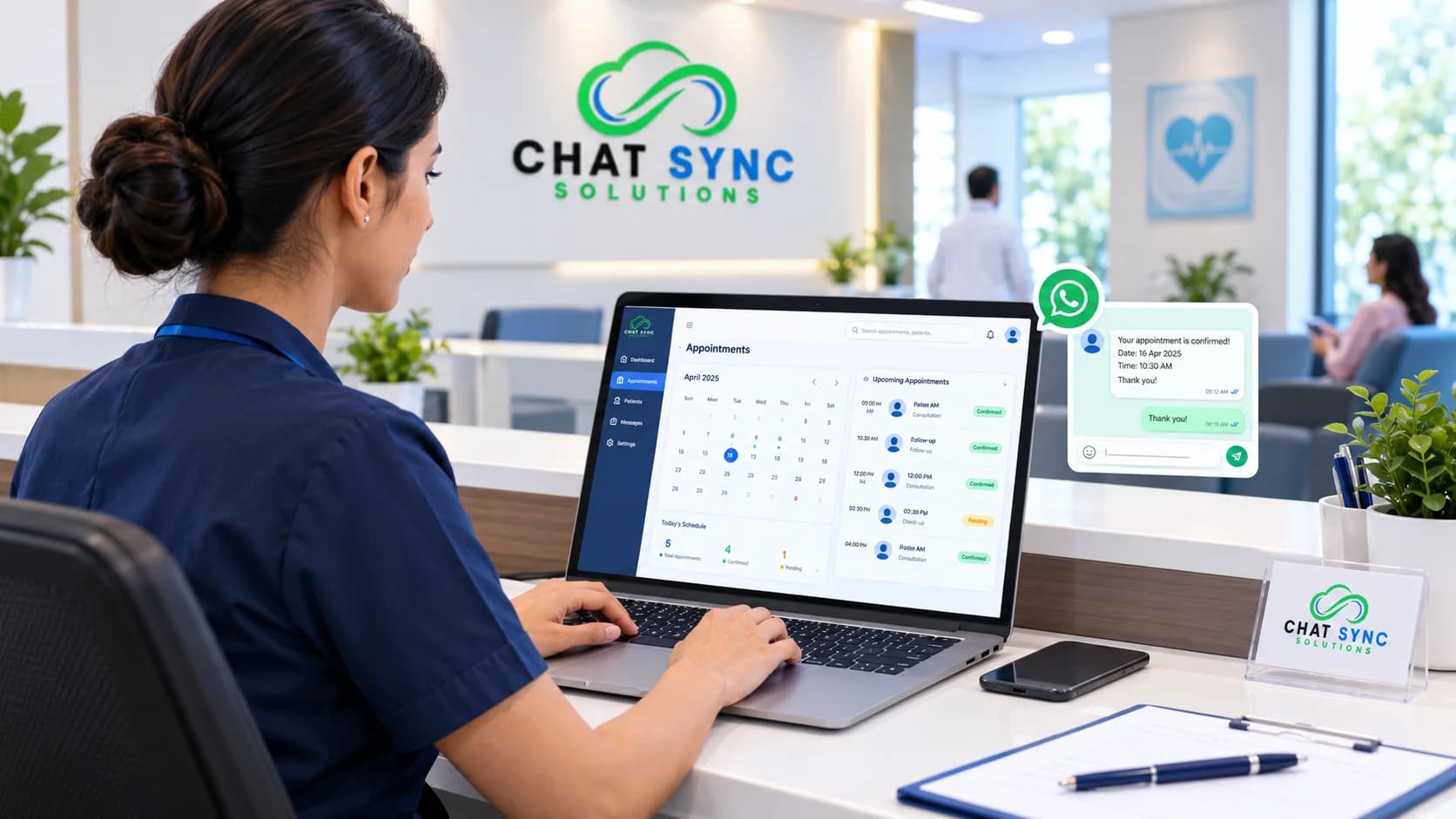
Medical appointment booking software helps clinics manage appointment requests and patient communication through digital workflows.
Medical Appointment Booking Software For Modern Clinics
Clinics get appointment requests all day, and they arrive in different places. Some patients phone. Others message on WhatsApp or fill in a form on the website. A receptionist ends up jumping between chats, calendars, and missed calls, and follow-ups are the first thing to slip.
Medical appointment booking software puts those requests into one workflow. Patients can ask for a slot online, get an automatic reply, receive a reminder, and continue the conversation in the channel they started in. With AI added, the first reply doesn't have to wait for someone at the front desk to be free.
Medical appointment booking software helps a clinic manage requests and scheduling digitally instead of handling every call and message by hand. Most platforms cover online booking, confirmations, reminders, and follow-ups. AI-assisted ones can also answer routine questions and pass the conversation to staff when a person is needed.
What is Medical Appointment Booking?
It's the process of a patient asking for or scheduling a visit. The traditional version goes like this: the patient calls, the receptionist answers questions, checks the diary, writes down the slot, and maybe rings back the day before as a reminder.
Digital booking moves some or all of those steps online. Depending on the software, a patient might request an appointment, chat through WhatsApp or the website, ask a routine question, get a confirmation and reminder, or reschedule. When something needs a person, staff take over.
How Does The Software Work?
The flow is usually inquiry, conversation, appointment request, scheduling, confirmation, reminder, follow-up. With an AI booking agent, the conversation starts on its own. A patient messages on WhatsApp asking to book; the agent replies, collects the details the booking needs, and moves it along. If the patient asks for a person, or the question is beyond what the agent should handle, a staff member steps in.
How much of this runs automatically depends on the tool and on how the clinic sets it up.
Where AI Helps, and Where it Stops
Picture a clinic where reception closes at 5 pm. A patient messages at 9 pm asking for an appointment tomorrow. Without automation, that message waits until morning. With an AI agent, the patient gets an answer straight away and is guided through the booking process.
AI agents can work across supported channels, read text and audio, and run around the clock. They can also be linked to reminders, follow-ups, lead qualification, and missed-call recovery.
The limit is simple: an AI receptionist handles administrative conversations. It doesn't diagnose, recommend treatment, or give medical advice, and it shouldn't be configured to.
Booking Through WhatsApp
Yes, if the platform supports WhatsApp. For many clinics, patients already message there, so booking in the same chat means no new app or portal to learn.
ChatSync Solutions offers AI-powered WhatsApp booking for medical clinics. WhatsApp is connected through the Official Meta Cloud API during setup. After that, the AI booking agent handles the conversation, and automated workflows cover scheduling, reminders, and follow-ups.
Using a Website Chat Widget
Not everyone wants to phone, and contact forms can sit unanswered. A chat widget lets a visitor ask about an appointment the moment they land on the site. It can take appointment requests, answer common questions, gather initial details and follow up, then hand over to staff when needed. ChatSync can put the same AI booking experience on both the website widget and WhatsApp.
What an AI Receptionist Can Automate?
The exact list depends on the platform and how the clinic configures it. With ChatSync's AI booking features, the capabilities for clinics include:
appointment requests and the scheduling steps that follow
routine questions, answered from the business information the clinic provides
lead qualification, so details are collected before staff join in
appointment reminders
follow-ups after an interaction
missed-call recovery
human handoff
Reminders, missed calls and handoff
Reminders and follow-ups can sit in the same workflow as the booking. Once an appointment is scheduled, the system sends the reminder, and nobody has to remember to do it.
Missed calls are a lost inquiry if nothing happens next. Recovery automation messages the caller so the conversation can continue. Not every missed call is an appointment request, though, so this workflow should reflect how the clinic actually handles calls.
Handoff is what keeps the setup safe for a medical practice. The AI covers routine conversations, and anything complex goes to a team member. ChatSync supports human handoff and also includes a shared team inbox for staff.
Manual, Online, and AI-assisted Booking Compared
Area | Manual | Online booking | AI-assisted booking |
|---|---|---|---|
Availability | Staff hours | Form open around the clock | Can respond around the clock |
New inquiry | A person replies when free | Usually a confirmation or callback | Immediate conversation |
Reminders | Sent by hand | Often automated | Automated |
Staff use it manually | Depends on the tool | Supported where integrated | |
Website chat | Rare | Depends on the tool | Supported |
Missed-call recovery | Someone calls back | Usually not included | Available on some platforms, including ChatSync |
Human involvement | Everything | Staff handle exceptions | Handoff when needed |
No option fits every clinic. A small practice with mostly phone bookings may need much less than one juggling WhatsApp, web chat, and calls across several staff.
Benefits of Automated Scheduling
Staff spend less time on routine messages, and the first reply no longer depends on someone being free. ChatSync's AI receptionist runs 24/7, so a patient who writes after closing time still gets a response. Conversations live in defined workflows instead of being scattered across phones and inboxes, and analytics show what's happening. Reminders and follow-ups go out without anyone having to start them.
How much this helps depends on the clinic's setup and on how patients actually use the system.
Getting Started With ChatSync, and What It Costs?
Setup means connecting the business, giving the AI agent the information it should use in conversations, connecting WhatsApp through the Official Meta Cloud API, deploying the website widget, and configuring the appointment and handoff workflows. ChatSync says clinics can go live in under 48 hours.
Beyond booking, the platform includes analytics, support for 100+ languages, text and audio processing, a REST API, webhooks, and automated campaigns.
It offers a 14-day free trial and requires no credit card. Pricing isn't fixed or public. It's tailored to the business, so check ChatSync's pricing details or contact the team with your channels and workflows in mind. What to Check Before Choosing Software?
Look past the basic ability to create appointments. A few questions worth answering first:
Which channels do patients use to reach the clinic, including WhatsApp and the website?
Who sends reminders today, and what happens to missed calls?
Can staff take over a conversation easily
Does it support your patients' languages, and can it handle voice notes?
Do you need API or webhook access?
How will staff monitor conversations, and what analytics do you get?
What information will the AI use when it talks to patients?
Compliance rules differ by country and clinic type. Before going live, review the provider's current data-handling and privacy documentation, and confirm what applies to your clinic.
Start with the place where your front desk spends the most time on repeat messages. Automate that step, keep staff on everything else, and add more once it works.
Frequently Asked Questions
Can an AI receptionist book medical appointments?
Yes, when it's configured to do so. ChatSync's AI booking agent handles appointment conversations and hands over to staff when needed.
Can patients book through WhatsApp?
Yes, on platforms that support it. ChatSync connects through the Official Meta Cloud API.
Does it work outside clinic hours?
ChatSync's AI receptionist operates 24/7, including when the clinic is closed.
Can a person take over a conversation?
Yes. Human handoff lets a team member step in whenever a conversation needs one.
Which languages are supported?
More than 100, with both text and audio processing.
#medical appointment booking#medical appointment scheduling#ai receptionist#abc